Drawing at a desk hooked up to a computer is great for finished illustration work, but sometimes you just want to curl up on the sofa or sit in a coffee shop with a digital sketchbook.
For a long time, portable drawing meant paying HIGH premium prices for an iPad or dealing with bulky laptops.
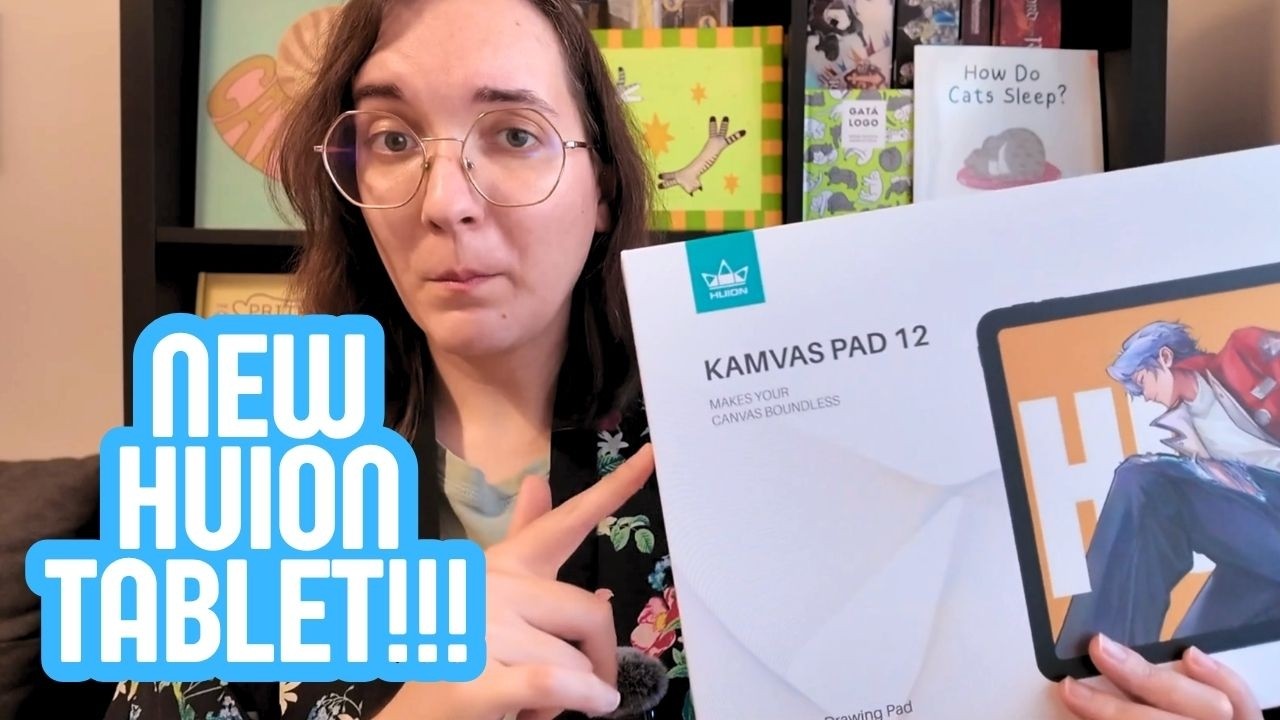
The Huion Kamvas Pad 12 aims straight for that sweet spot. It is a dedicated, standalone Android tablet designed specifically for illustrators who want to pick up a stylus and draw anywhere without cords.
I put this tablet through its paces in my studio to see how it handles real sketching, line art, and color work.
Here is everything you need to know before spending your hard-earned money.
| Quick Scorecard | Patricia’s Rating: 4.7 / 5 ⭐ |
| The Good | Least laggy Android tablet we tested; responsive pen with no jitter; pleasant paper-like matte glass; quick setup with 4 pre-installed art apps. |
| The Bad | Weak pen magnet; folio case only supports two very steep angles; cover does not secure the pen; no power adapter included in the box. |
| Bottom Line | A fast, reliable portable sketching tablet that rivals the iPad for pen responsiveness at an accessible price point, held back only by clumsy folio case design. |
Friends at Huion sent me this review copy. Still, my honest opinion!
Prefer video? Check out the video below on YouTube!
Key Specs at a Glance: What Is Under the Hood?
The Kamvas Pad 12 runs on Android 16 and packs hardware built to handle drawing software smoothly.
- Display: 12.2-inch Canvas Glass 3.0 (2400 x 1600 resolution, 3:2 ratio, 90Hz refresh rate).
- Stylus: PW600C with PenTech 4.0 (battery-free, 16,384 pressure levels, 2g initial activation force).
- Processor & Memory: MediaTek Genio 720 octa-core chip with 8GB RAM.
- Storage: 256GB internal storage (expandable up to 1TB with a MicroSD card).
- Battery: 8,000 mAh.
- Weight: 665 grams.

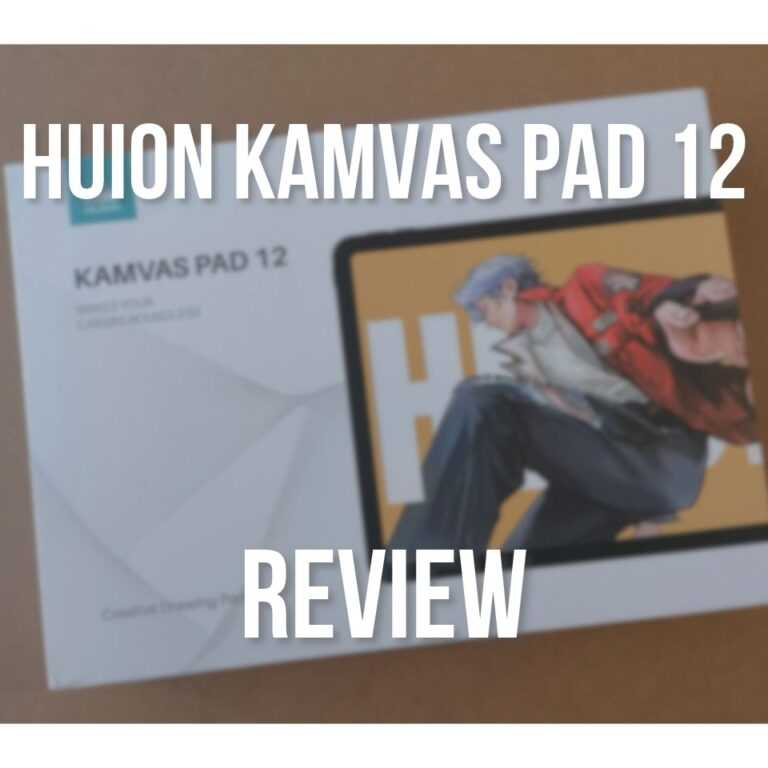
Unboxing the tablet is straightforward. Inside the box, you get the tablet, the PW600C stylus, a protective folio stand cover, replacement pen nibs (including felt nibs), an artist drawing glove, and a USB-C cable.
One annoying downside: it does not come with a power adapter.
Tech companies love skipping charging bricks these days, but it is still unfortunate when you open a brand-new device and have to hunt through your drawers for a compatible wall plug.
Grab the Kamvas Pad 12 on the official Huion Store, or on Amazon here.
Screen Quality and the Drawing Surface: Canvas Glass 3.0
Resolution, Color, and Aspect Ratio
The 12.2-inch display uses a 3:2 aspect ratio, which is a massive upgrade over standard widescreen 16:9 tablets.
When you sketch characters, a taller vertical workspace gives you room for full-body figures without feeling cramped by toolbars.
The 2K+ resolution (2400 x 1600) makes lines crisp, and the 99% sRGB color gamut produces clean, balanced colors for web illustrations and character design.
Texture and Glare
Huion used their Canvas Glass 3.0 on this screen, which features nano-etched anti-glare treatment.
It feels genuinely great under the pen. Instead of that slick, skating-on-ice sensation common on bare iPad glass, this screen has a subtle tooth that mimics smooth sketchbook paper.
You do not need to buy third-party matte screen protectors that cloud your screen or peel at the edges.
Glare is kept to a minimum, even under bright studio lamps.

Pen Performance: Testing the PW600C and PenTech 4.0
Initial Activation Force and Pressure Sensitivity
The stylus uses Huion’s PenTech 4.0 system with 16,384 levels of pressure sensitivity.
The headline spec here is the 2g initial activation force.
You barely have to touch the screen to leave a stroke. Feather-light crosshatching registers immediately, which saves your hand from pressing down hard during long drawing sessions.
Stroke Stability and Line Quality
In our studio tests, the Kamvas Pad 12 proved to be the least laggy Android tablet we tested.
Everything is responsive, without missclicks, stutters, or slowness. It feels equivalent to using an iPad with an Apple Pencil.
Slow diagonal lines draw straight with zero noticeable jitter or stair-stepping. When you whip the pen around for fast gesture sketches, lines keep up with your hand without dragging behind.

The Android Software Experience: Can You Actually Work on It?
Drawing App Compatibility
Setting up the tablet takes just a few minutes.
You boot it up, connect your Wi-Fi, log into your Google account, and you are ready to create.
Huion made onboarding easy by pre-installing 4 creative apps right out of the box, including Clip Studio Paint.
If you prefer other tools, the Google Play Store gives you access to a rich collection of drawing apps for Android. HiPaint runs fluidly and offers an interface very similar to Procreate.
Infinite Painter and ibisPaint X also run without a hitch, supported well by the 8GB of RAM.

Multitasking and Reference Workflow
The split-screen feature works smoothly on the 3:2 display.
You can snap your reference photo or web browser to one third of the screen and keep your drawing canvas open on the other two thirds.
Palm rejection is solid, meaning you can rest your hand naturally on the glass without creating stray dots or brush marks.
Storage and File Transfers
With 256GB of internal storage, you have plenty of room for hundreds of layered .clip and .psd files.
If your project library grows bigger, you can insert a MicroSD card (up to 1TB) to offload older sketchbooks and high-resolution exports.
Portability, Battery Life, and Everyday Ergonomics
Weighing in at 665 grams, the Kamvas Pad 12 is light enough to slip into a backpack or hold comfortably on your lap.
The 8,000 mAh battery provides around 7 to 8 hours of active drawing at moderate brightness, giving you enough juice for a full day of remote sketching.
However, the included folio case and pen storage have some real design flaws you should know about.

First, the magnetic strip that holds the stylus to the side of the tablet is weak.
Any slight touch and the pen falls right off. On top of that, the protective cover does not wrap around to encompass the pen.
If you slide the tablet into a sleeve or bag, the pen will immediately detach and rattle around at the bottom.
Second, the folio cover only props the tablet at two stand angles, and both are very steep.
These angles work fine if you are watching a movie, but drawing on an almost vertical screen puts awkward strain on your wrist. To draw comfortably at a desk, you will likely need to lay it flat or buy a separate low-angle stand.
Final Thoughts: Should You Buy the Kamvas Pad 12?
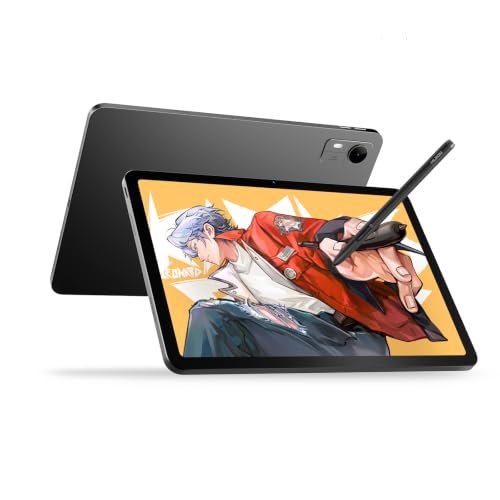
- HUION PenTech 4.0: 16384 pressure levels for smoother line transitions; ±60° tilt for natural shading like a brush. 2g IAF captures light strokes. Enhances edge precision and minimizes cursor offset with tilt auto-alignment; 0.35mm retraction keeps the nib stable and solid.
- 2K+ Bigger Canvas for Sharp Details: 12.2-inch 3:2 screen gives you more vertical space for drawing and reading than standard 16:9; 2K+ resolution with 236 PPI and 350 nits of brightness delivers sharp, clear visuals on your drawing tablet with screen.
The Huion Kamvas Pad 12 is easily one of the best standalone Android drawing tablets currently available. The drawing experience feels fluid, the screen has a wonderful paper-like tooth, and pen latency is practically non-existent.
You will have to keep track of your stylus so it does not pop off in your bag, and you might want a separate drawing stand for flatter desk angles.
But as a complete, grab-and-go digital sketchbook, Huion delivered a fantastic tool for artists who want to create outside the studio.
Grab the Kamvas Pad 12 on the official Huion Store, or on Amazon here.
💡 Want to build solid drawing habits on your new tablet? Getting a new tablet is exciting, but you do not need complicated anatomy rules or medical textbooks to make great art. My Art Foundation Kit breaks down figure drawing, gesture, poses, and digital coloring into simple, practical exercises. Start filling your digital sketchbook with confidence today!

Frequently Asked Questions
Can the Huion Kamvas Pad 12 be used without a computer?
Yes, the Huion Kamvas Pad 12 is a standalone tablet running Android 16. It does not require a computer, laptop, or cable connection to draw, letting you create artwork directly on the screen anywhere you go.
Is the Huion Kamvas Pad 12 good for drawing?
Yes, the Kamvas Pad 12 delivers an excellent drawing experience with 16,384 pressure levels, 2g activation force, and paper-textured glass. It is responsive and free of jitter, making it suitable for both casual sketches and professional illustration.
Can you use Clip Studio Paint on the Kamvas Pad 12?
Yes, Clip Studio Paint comes pre-installed on the Kamvas Pad 12 tablet and runs smoothly via the Android app. The device’s 8GB of RAM provides plenty of memory for multi-layer illustration and comic page layouts.
Does the Kamvas Pad 12 come with a power adapter?
No, the Kamvas Pad 12 does not include a power adapter in the box. You receive a USB-C charging cable, but you will need to use your own USB wall charger or power bank to recharge the 8,000 mAh battery.
How does the Kamvas Pad 12 compare to drawing on an iPad?
The Kamvas Pad 12 matches the iPad in pen responsiveness and stroke speed while offering a more textured, paper-like screen out of the box. However, the iPad runs Procreate, while the Kamvas Pad 12 relies on Android apps like HiPaint and Clip Studio Paint.
Keep on drawing! – Patricia 🥰

Patricia Caldeira is the main writer here at Don Corgi. She's an art teacher with over 20.000 happy students across many platforms and courses!
Enjoy your stay and as always:
Keep on drawing!
Patricia’s courses have enrolled 22 000+ students around the world, in platforms such as Udemy, Skillshare, Gumroad and more.